Bài viết trước
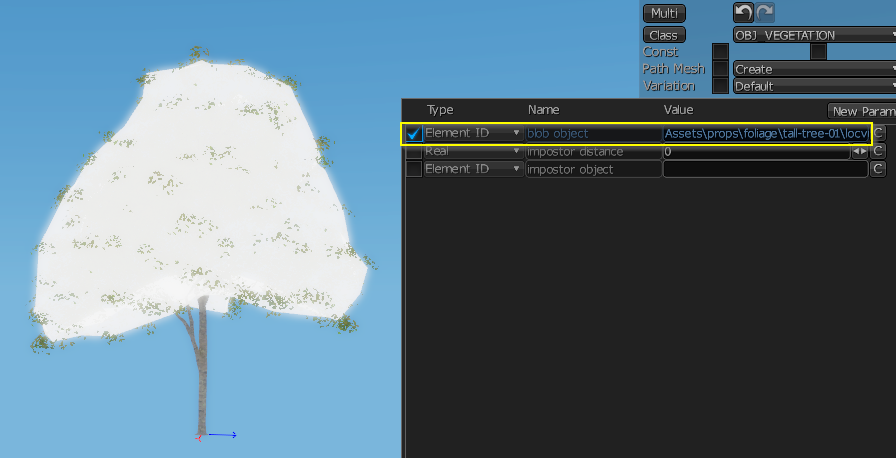
<aside> 💡 Blob Object is a physics support object for tree models used in AI interactions. It is a mesh that covers the tree foliage; AI cannot see through these blobs, but projectiles can still pass through them and deal normal damage.
</aside>
The steps below will guide you on how to create a corresponding Blob Object for a tree model
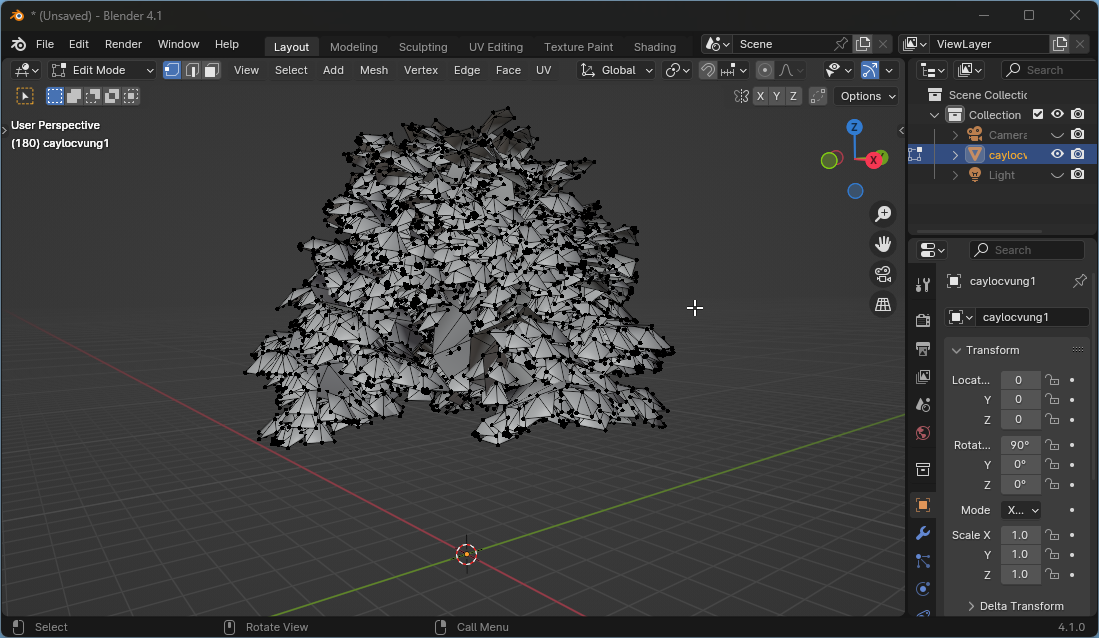
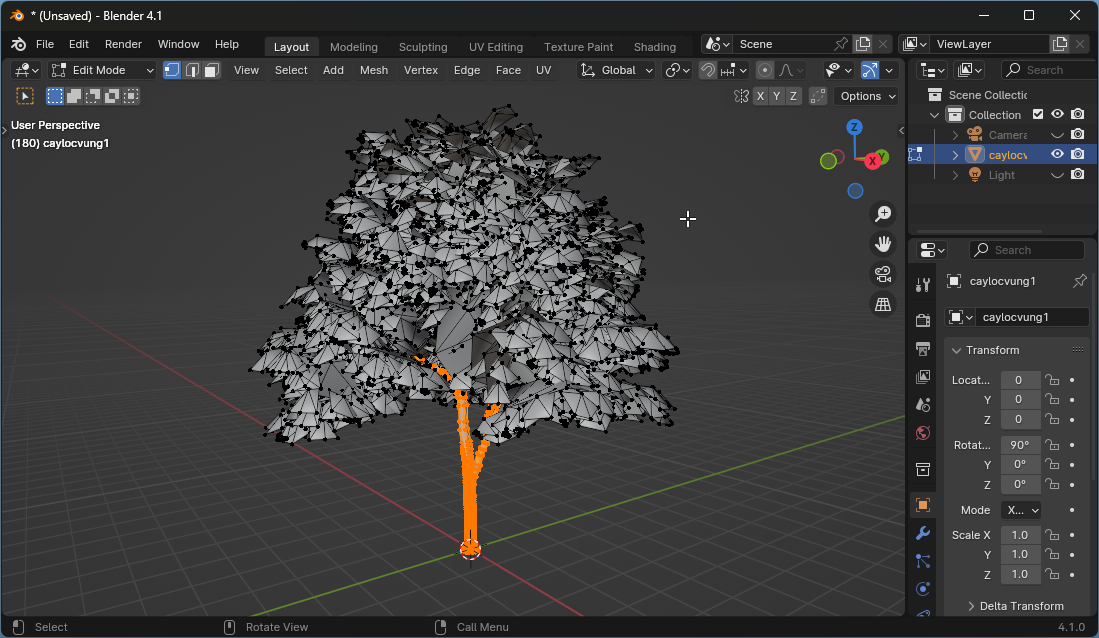
Switch to Object Mode > Duplicate the foliage mesh (For easier comparison in the next step
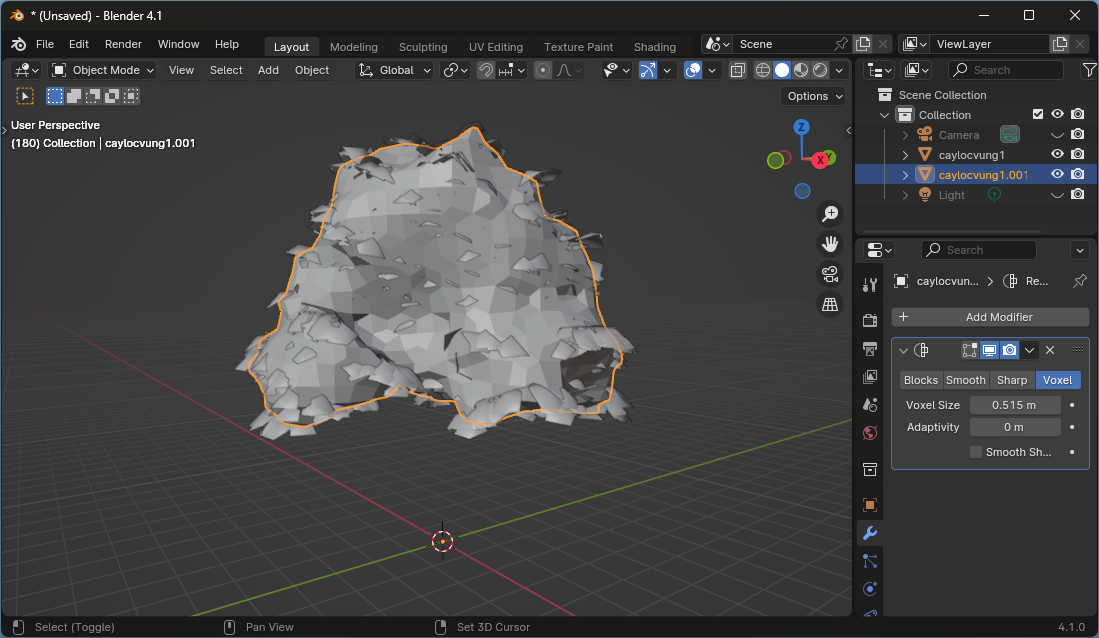
Add Modifier Remesh > Select the Voxel tab > Set Adaptivity = 0 > Adjust the Voxel size value so that the mesh covers the foliage mesh relatively well before copying. It doesn't need to be completely covered!
Decimate > Select the Collapse tab > Adjust the Ratio parameter to reduce the mesh for the Blob objectStatic mesh physic shape in the following steps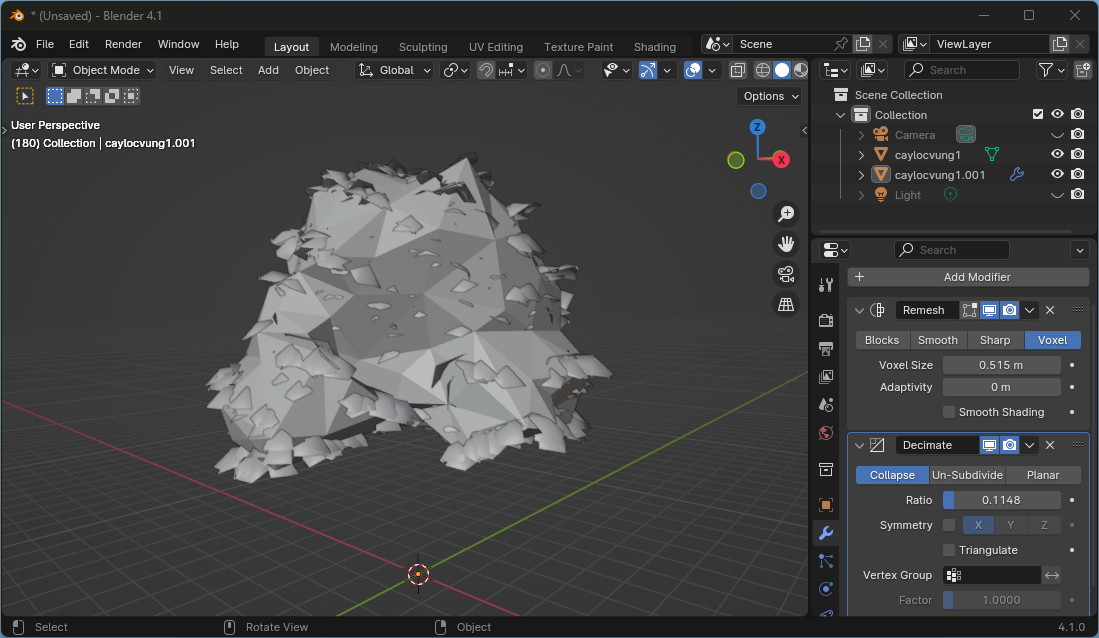
<aside>
💡 Trong blender, để tạo Blob Object cho nhiều cây bạn có thể tiết kiệm thời gian bằng cách chọn đối tượng cần copy > Tiếp đó chọn đối tượng chứa modifier cần copy (active object). Ctrl + L > Copy Modifiers
</aside>
Limit to Selected Objects > Save the file to the hard drive with a name like mytree-blob.fbxDrag and drop the exported file into the Engine (You can arrange it as a child of the tree object)
Open the blob object you just imported > go to the Params tab > set Class = OBJ_NAVMESH_BLOCKER > go to the Physics tab > select Static Mesh.
Open the tree model > in the Params tab > drag the blob object into the blob objectslot.
Double-check that the blob object reasonably covers the tree's foliage mesh.